A leasing email sits unanswered for six hours. A maintenance request is buried in an inbox. Three renewal notices are late, and the owner report is half-built in a spreadsheet. None of it is hard, but together it fills the week. This is the work that property management automation is built to absorb.
Most of that load is repetitive rather than complex, which is what makes it automatable. The real question is not whether to automate but which tasks to start with and in what order.
This playbook is practical. It covers what can and cannot be automated and the tasks that save the most time, then how to automate each one and how the tools fit together.
What Can Be Automated in Property Management (And What Cannot)
Property management automation is the use of software and workflow rules to handle repetitive operational work without a person doing it by hand. It works best on tasks that are high in volume and low in judgement, and it struggles on the opposite.
What automates well:
- Routine communication: Answering common enquiries, sending reminders and following up on quiet leads.
- Scheduled actions: Rent notices, renewal prompts and inspection reminders that fire on a date.
- Intake and routing: Capturing maintenance requests and sending them to the right person.
- Reporting: Pulling occupancy and income into an owner statement on a schedule.
What does not, and should not:
- Judgement calls: A disputed deposit, a hardship case or a difficult negotiation.
- The relationship: The tour, the rapport and the decision to sign.
- Edge cases: Anything unusual enough that a wrong automated answer would cost more than the time it saves.
The aim is not a building that runs itself. It is to automate the landlord tasks that are repetitive, so the team's time goes to the work that needs a person.
Start Here: The 5 Tasks That Save the Most Time
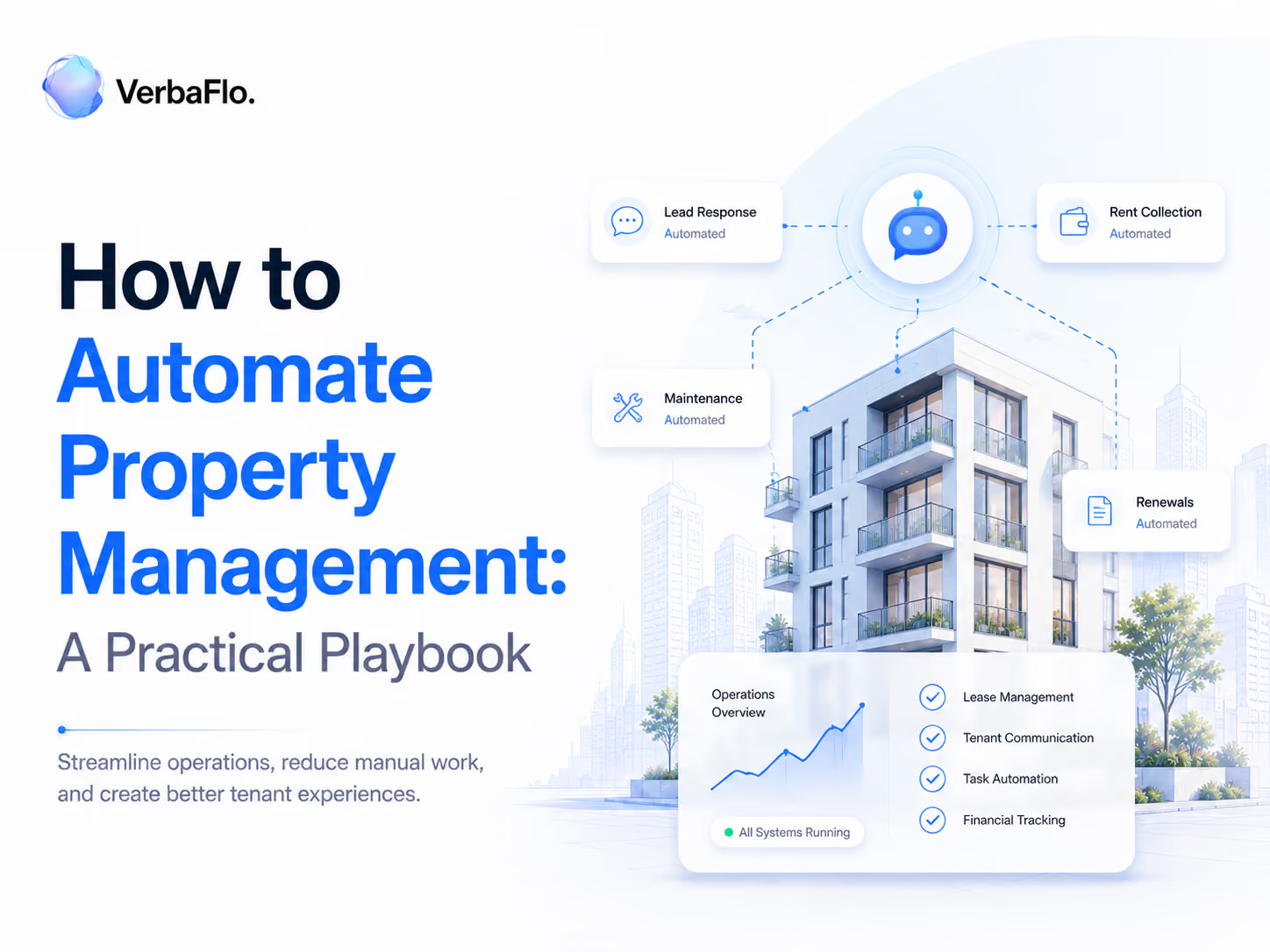
If you only automate a handful of things, automate these. Ranked by the time they give back to a typical leasing team:
- Tenant enquiries and lead qualification: The highest-volume work, and the one where slow replies cost leases.
- Maintenance request triage: Logging and routing requests stops them sitting in an inbox.
- Rent collection and late notices: Predictable, repetitive and simple to get consistently right.
- Lease renewals and inspections: Date-driven prompts that are easy to forget and expensive to miss.
- Owner reporting: Scheduled statements that turn hours of spreadsheet work into a single send.
Owner reporting is largely handled by your existing software. The other four are where the manual load, and the opportunity, is heaviest.
Automating Tenant Enquiries and Lead Qualification
This is where automation earns its keep. A prospect messages at any hour, and the speed of the reply often decides whether they book a tour or move on.
Done well, a conversational AI layer reads the enquiry and answers from your live availability. It qualifies the lead with the right questions, then books the tour into your calendar.
It responds in seconds rather than hours on every channel, and follows up when a lead goes quiet instead of letting it cool. Every conversation is captured, so your team picks up with full context.
Automating Maintenance Request Triage
Maintenance is mostly logistics, which makes it a strong automation target. The bottleneck is rarely the repair itself but the request sitting unread in an inbox.
The moment a resident submits a request, automation logs it and sorts it by type and urgency. It then routes the request to the right person or vendor and acknowledges receipt to the resident.
The manager sees a clean queue rather than a flood of emails, and anything genuinely urgent or ambiguous is flagged for a person to assess.
Automating Rent Collection and Late Notices
Rent is the most predictable workflow on the list, which is why it should run on rails. Reminders and late notices follow a fixed schedule, so there is little reason to send them by hand.
Automated rent collection takes payment online and sends reminders before the due date. It issues late notices on a set timeline when a payment is missed, all logged against the resident's ledger.
The manager steps in only for the genuine exceptions, the hardship conversation or the payment plan, rather than chasing every routine reminder.
Automating Lease Renewals and Inspections
Renewals and inspections are easy to forget and costly to miss, which makes them ideal for date-driven automation. A renewal left too late becomes a turn, and an inspection skipped becomes a dispute.
Automation tracks every lease end date and triggers the renewal conversation early, well before the notice period, so good residents are approached in time rather than lost by default.
The same date logic schedules inspections and their reminders, and keeps the documentation in one place. The manager handles the negotiation, and the calendar handles the timing.
Tools That Make It Possible and How They Connect
Automated property management systems are not one product but a stack that works together. A typical setup has a few layers:
- The system of record: A property management system (PMS) holds units, leases and residents, and a CRM holds prospects.
- The money layer: Online payments, accounting and owner reporting.
- The communication layer: A conversational AI platform that handles enquiries, follow-up and resident messaging across channels.
- The work layer: Maintenance and work-order software that tracks requests through to completion.
What turns these from separate apps into automation that actually saves time is the connection between them. The pieces have to read and write to each other, so an update in one place appears in the others without re-keying.
When you weigh up tools, the integrations matter as much as the features, because a layer that cannot talk to your system of record creates as much manual work as it removes.
How Long Does Automation Take to Set Up?
Less time than most teams expect, and more than a vendor demo suggests. The honest answer depends on scope and on how clean your existing data is.
A single workflow, such as enquiry response or rent reminders, can be live in a few weeks once it is connected to your system of record and the rules are set. Automating across a portfolio is a phased project rather than a switch: you start with one or two properties, prove the workflow against your current numbers, then extend it.
The slow part is rarely the technology. It is agreeing the rules and cleaning the data, then deciding what should escalate to a person, which is work worth doing properly the first time.
How VerbaFlo Automates the Communication Layer
Of all the layers above, communication is the one that touches every workflow and takes the most time, and it is the layer VerbaFlo automates.
It is a conversational AI platform for real estate operators that runs the resident and prospect conversations from first enquiry to renewal.
It sits across the rest of your stack:
- Enquiries and qualification: It answers, qualifies and books tours at any hour, on web chat, WhatsApp, email and voice.
- Inside your systems: It connects two-way to your CRM and property management system, so it acts where the data already lives.
- Follow-up and renewals: Reminders and re-engagement run on WorkFlo, its workflow automation product, so nothing depends on someone remembering.
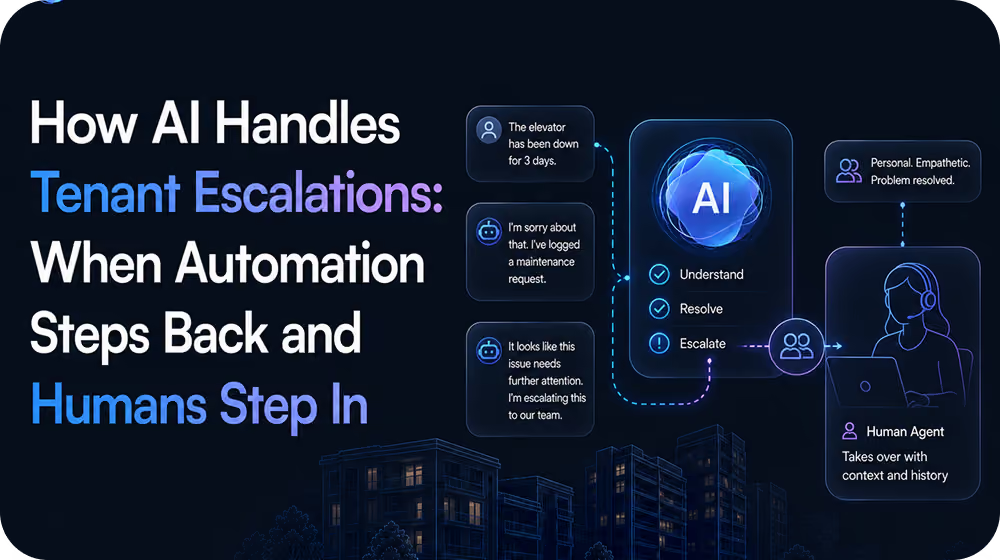
- Clean escalation: When a conversation needs judgement, it hands to your team with the full history attached.
Because every interaction is consistent and logged, the record supports fair housing compliance, with the controls set out in the Trust Centre.
Book a demo to see VerbaFlo automate your own resident communication.